
Follow our easy step-by-step guide on how to order a rose from English Roses.
1. Browse the Website #
Go to www.englishroses.co.uk and browse our different roses.
We have categories with specially selected roses to suit different occasions and recipients.

2. Choose a Rose #
We have a wide variety of different roses with fantastic names, beautiful colours and wonderful scents.

3. Read About Your Chosen Rose #
There is lots of useful information about each rose. Read about the variety name, colour, scent and size. It also contains information about care, delivery and gift wrapping your rose.

4. Add to Basket #
When you are happy with your selection, click add to basket. This will bring up the optional gift wrap menu.

5. Add a FREE Gift Message #
If you would like to add a gift message, write it in the textbox provided. This will then be printed on a gift tag along with the variety name and basic care information.
If you would like to skip this, click ‘Next’.


6. Upgrade to a Greetings Card #
You can also choose to upgrade your message to a greetings card. We have a range of different style cards to suit every occasion. Your message will be printed inside the card on a bespoke label.


7. Add a Gift Bag or Basket #
We also have a selection of colourful drawstring cotton bags to go around potted roses. These are reusable and compostable making them eco-friendly and great for adding an extra special touch.
We also have the option to plant the rose for you in a large willow basket. Your chosen rose will be expertly planted with all the nutrients it needs to stay in there for around 2 years! Just add water, this is a hassle-free garden ready gift!


8. Add a Wooden Gift Tag #
We also have a range of wooden gift tags to hang on the rose. Containing different sentiments and milestones, these eco-friendly tags make wonderful keepsakes for any occasion.


9. Add Gifts & Accessories #
We also have a wide range of extra to add that special touch to your gift. Choose from gardening supplies and tools, wildflower seeds, homeware and gardener’s skin care.

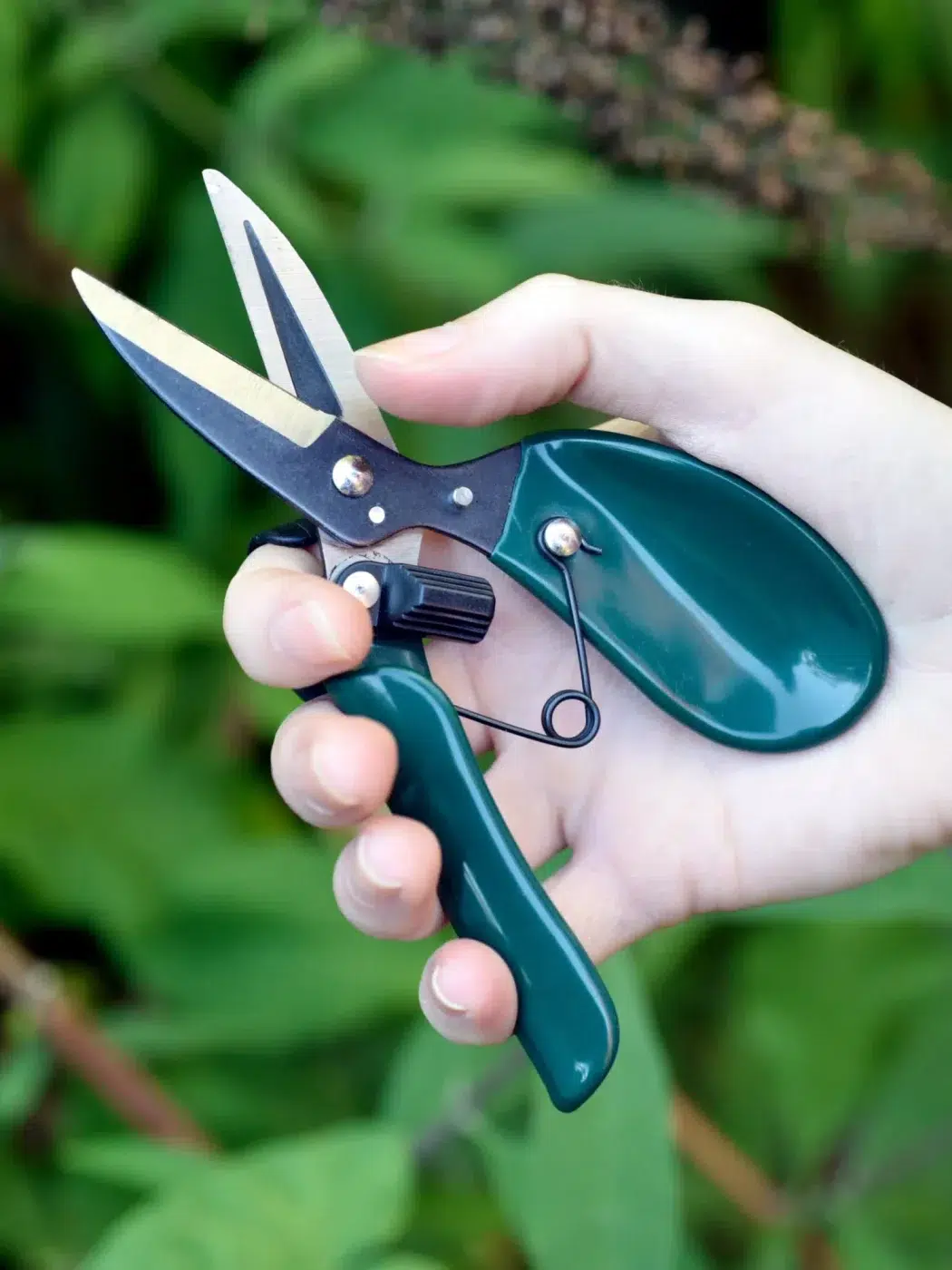


10. Click ‘Checkout’ #
If you would like to continue browsing, click ‘continue shopping’.
If you are finished, check through all the details and see everything that has been added to the basket.

11. Checkout #
Check through all the details and see everything that has been added to the basket.
You can also add any gift card or discount codes in the boxes at the top.
When you are happy with this, click Proceed to Checkout’.

12. Discount & Voucher Codes #
You can also add any gift card or discount codes in the box at the bottom by the total price.

13. Enter Your Contact Details #
Enter your phone number and email address so you will receive the order confirmation and DPD tracking.
14. Enter the Delivery Details #
We can deliver direct to the recipient or to yourself.
Simply type the postcode in the box, and a list of addresses will appear. Select the correct address, and the details will appear in the box.
Alternatively, enter the address manually.
Check the details are correct and the postcode matches the address. Click ‘Continue to Shipping Method’.

15. Shipping Method #
Choose between standard or express delivery. Standard delivery is for Monday – Friday and Express delivery is for weekends.

16. Preferred Delivery Date #
The available dates will appear on the calendar and you can choose your preferred date.
You can also add a secure location.
Please note: While we guarantee that we dispatch your order in accordance with your chosen date, we cannot 100% guarantee the delivery date in case of unforeseen delays with DPD. DPD delivery is fully trackable and they will keep you updated.
Please see our delivery page for more details.
Click ‘Continue to Payment’
14. Billing Details #
If the billing details are different to the delivery address, fill in the details.

15. Accept the Terms and Conditions #
Read and agree to the terms and conditions.
Roses are living plants with seasonal growth and natural variations so they may not look exactly as pictured. They are seasonal plants so will look different throughout the year. Read our seasonal guide here.


15. Subscribe to the Newsletter (Optional) #
Sign up to our FREE email newsletter for all the latest news, tips and promotions. Unsubscribe at any time, this is the best way to keep up with the latest from English Roses!
16. Enter the Payment Details #
Choose your preferred payment method, and enter the details.
Check all the details and if you are happy, click ‘Complete Order’.

16. Order Confirmation Screen #
Once the order has gone through, you will see the ‘order confirmed’ screen. This will also contain the order number for your reference.

17. Order Confirmation Email #
Once the order has gone through, you will also receive a confirmation email.
Please check ALL the details including the gift message and addresses.
All the details of your order that we hold are in this email. If anything is incorrect or missing, please let us know as soon as possible. We are unable to make changes to an order once it has been dispatched.

18. Wait for the Delivery #
While we get your order picked and ready for dispatch, you will receive order updates from us. You will also receive DPD emails with the delivery details and a 1-hour time slot on the day of delivery.
We guarantee to dispatch your order in accordance with the requested date on your order. This does not guarantee the delivery date – DPD reserves the right to deliver earlier or later, in accordance with their schedule.
You are able to rearrange your delivery, provide secure location details, and much more via the DPD app or website. English Roses is not responsible for any changes made after dispatch.
Please see our delivery guidance for further details.

19. Enjoy the Rose! #
Once the rose has been delivered, make sure it has been taken out of the packaging and placed outside.
See our helpful videos on how to unpack your rose.
For more care information, see our other help guides.


